





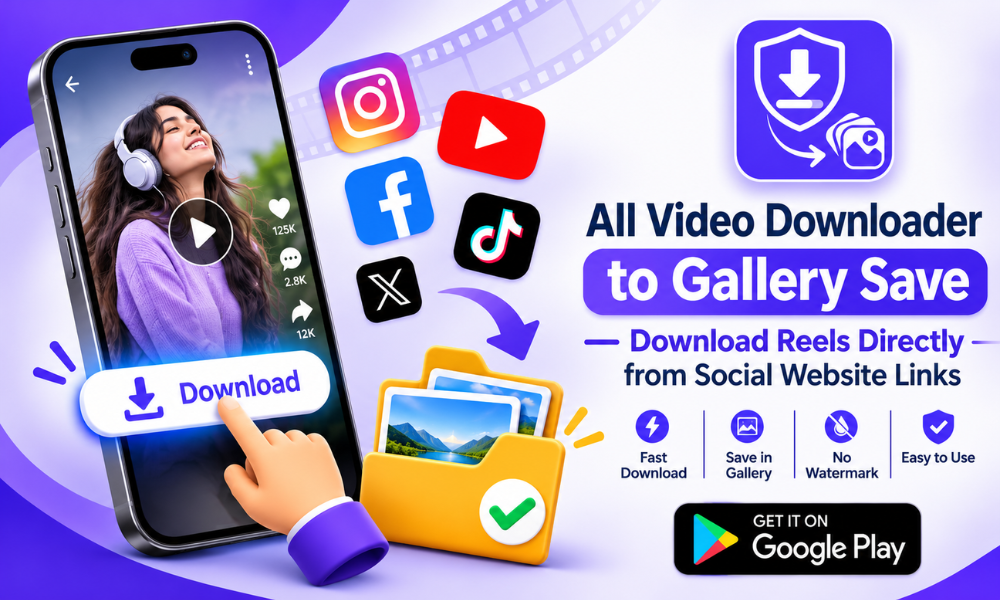
Social media has become an important part of everyday entertainment and digital communication. People enjoy watching short reels, creative videos, educational clips, travel moments, cooking tutorials, and entertaining content across different online platforms. Sometimes, users find videos they would like to watch again or keep available on their devices. Searching for the same video repeatedly can be inconvenient, especially when the original content is difficult to find.
An easy video downloading solution can make this experience more convenient. All Video Downloader to Gallery Save is a useful concept for users who want to download supported videos through website links and save them directly to their device storage. With simple navigation and convenient downloading options, users can manage their favourite video content more easily.
Download Reels Through Social Website Links
Short-form videos and reels are popular because they deliver entertainment and information in a short amount of time. From funny moments and trending clips to informative tutorials, users discover different types of videos while browsing social websites.
Sometimes, users want to keep a particular reel for offline viewing or personal reference. A video downloader provides a convenient way to download content from websites that support downloading.
The process generally involves opening a supported website, copying the video link, and using the available downloading options. Once the video is successfully downloaded, users can access the saved file through their device storage.
It is important to remember that downloading availability depends on website restrictions, video formats, and content permissions.
Save Downloaded Videos Directly to Your Gallery
Keeping downloaded videos accessible is an important part of a convenient video downloading experience. Instead of searching through multiple websites whenever you want to watch something again, you can keep supported video files stored on your device.
A suitable application helps simplify this process by providing downloading options and access to saved media. Depending on device permissions and storage settings, downloaded videos can appear in the gallery or the appropriate media folder.
Users can also organise their downloaded content into different folders, making it easier to find entertainment clips, educational videos, and other useful media.
For users looking for a simple downloading solution, Video Downloader to Gallery offers an application option to explore.
Easy Video Downloading for Everyday Users
A complicated downloading process can make users uncomfortable, particularly when they only want to save a short video. A simple interface and clear navigation can make everyday video downloading easier to understand.
Users should be able to access supported website links, identify available video downloads, and manage their saved files without unnecessary complications.
An easy-to-use application is helpful for people with different levels of technical experience. Whether someone regularly watches social media reels or occasionally downloads educational videos, straightforward options can improve the overall experience.
The focus should always be on convenience, accessibility, and a smooth user experience.
Watch Downloaded Reels Anytime
Internet access is not always available. Users may experience network interruptions, limited mobile data, or situations where opening social websites is inconvenient.
Downloaded videos provide a practical alternative for offline viewing. Once a supported video is saved successfully to device storage, users can watch it later without repeatedly accessing the original website.
This can be especially useful when travelling, during free time, or when revisiting educational and informational content.
A convenient Video Downloader Save Gallery option can help users explore ways to save supported video content and access it more conveniently.
Useful for Different Types of Video Content
People watch online videos for different reasons. Some enjoy entertainment, while others use social websites to discover useful information, creative ideas, and learning resources.
A video downloader can be helpful for various everyday requirements when the website and content permit downloading.
Entertainment Reels: Save supported funny videos, interesting clips, and entertaining moments for personal viewing.
Educational Videos: Keep downloadable tutorials and learning resources available for future reference.
Cooking Videos: Save permitted cooking demonstrations and recipe videos that you may want to revisit.
Travel Content: Keep supported travel clips and destination videos for personal inspiration.
Creative Videos: Access downloadable creative ideas, editing references, and useful demonstrations whenever required.
This flexibility makes video downloading a useful option for people with different interests and viewing habits.
Manage Your Saved Video Collection Easily
Downloading multiple videos can gradually increase the amount of media stored on a smartphone. Therefore, managing downloaded files is important for maintaining an organised device.
Users can create separate folders for different categories, such as reels, entertainment, tutorials, and personal videos. This makes it easier to locate specific files without browsing through an unorganised collection.
It is also a good practice to remove unwanted or duplicate videos regularly. Checking available storage space before downloading larger files can help avoid storage-related problems.
A Video Downloader Gallery Save application can be explored by users who want convenient options for downloading supported videos and managing their saved media.
Benefits of Using a Video Downloader Application
A dedicated video downloading application can make saving online videos more convenient when compared with repeatedly searching for the same content.
Some useful benefits include:
- Convenient Downloads: Use supported website links to access available video downloading options.
- Gallery Access: Keep successfully downloaded videos accessible through compatible media applications.
- Offline Entertainment: Watch saved videos without continuously using mobile data.
- Easy Navigation: Use simple options to make the downloading process more approachable.
- Better Organisation: Keep different types of downloaded videos organised on your device.
- Flexible Viewing: Access saved content whenever you want, without repeatedly searching online.
These benefits can make everyday video management easier for users who regularly explore social media content.
Tips for a Better Video Downloading Experience
A few simple practices can help users enjoy a smoother downloading experience.
First, always check whether the website allows downloading and whether the selected video is available in a supported format. Some social platforms restrict direct downloading or use protected streaming technology.
Video Downloader to Gallery Save makes it easy to download supported online videos and save them directly to your device for convenient offline viewing.
Second, maintain a stable internet connection while downloading videos. A reliable connection can help reduce interruptions during the process.
Third, check your smartphone’s available storage before saving large video files. Video resolution and duration can affect file size.
Finally, respect content ownership, copyright laws, and website terms. Download videos only when you have the necessary permission or downloading is legally allowed. Do not download private or restricted content without authorisation.
Final Thoughts
Saving interesting reels and online videos can make everyday digital entertainment more convenient. Whether you enjoy creative clips, educational tutorials, travel videos, or entertaining content, a suitable downloader can help you access supported videos through website links and keep them available on your device.
All Video Downloader to Gallery Save is designed around the convenience of downloading and saving supported video content. Explore the application and discover a simpler way to manage your favourite downloadable videos.